


AI alt text generator for PrestaShop
Auto-generate accurate, SEO-optimized alt text for every PrestaShop product image.
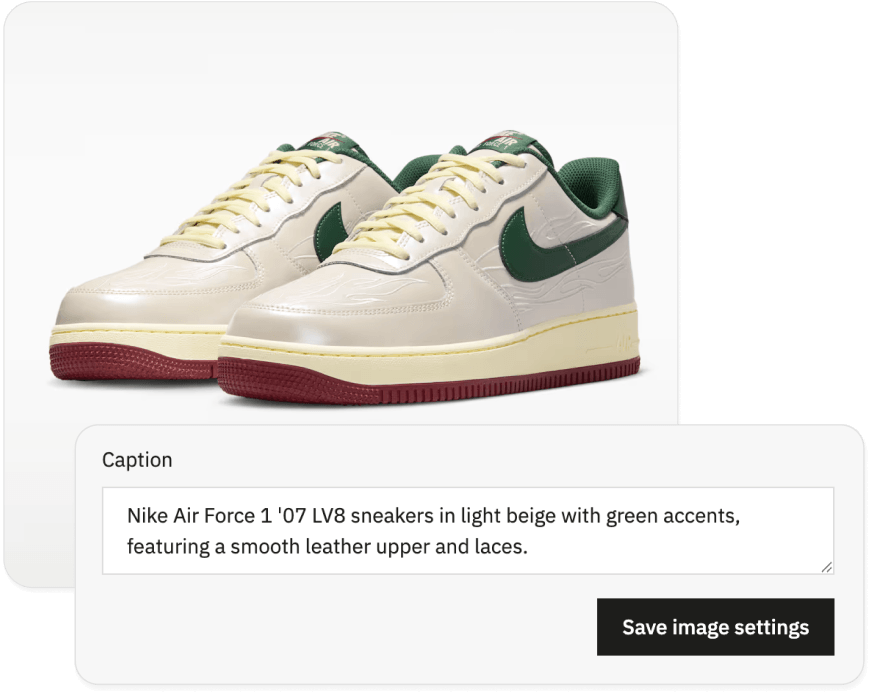
THE PROBLEM
Count what every untagged product image costs your PrestaShop store
Accessibility: Over a billion people worldwide use assistive technology. For those using screen readers, a product image with no meaningful alt text is invisible. The EU Accessibility Act requires WCAG 2.1 AA compliance across all commercial websites serving EU customers.
Scale: Editing alt text manually in PrestaShop means opening each product, clicking each image, changing the caption field, and saving. For a catalog of 500 products with 4 images each, that's 2,000 individual edits. Most stores have never done it, and template-based modules that generate "Blue Shirt Product Image" aren't actually solving the problem.
How to add AI alt text to PrestaShop product images automatically
Install the AltTextLab module from PrestaShop Addons Marketplace
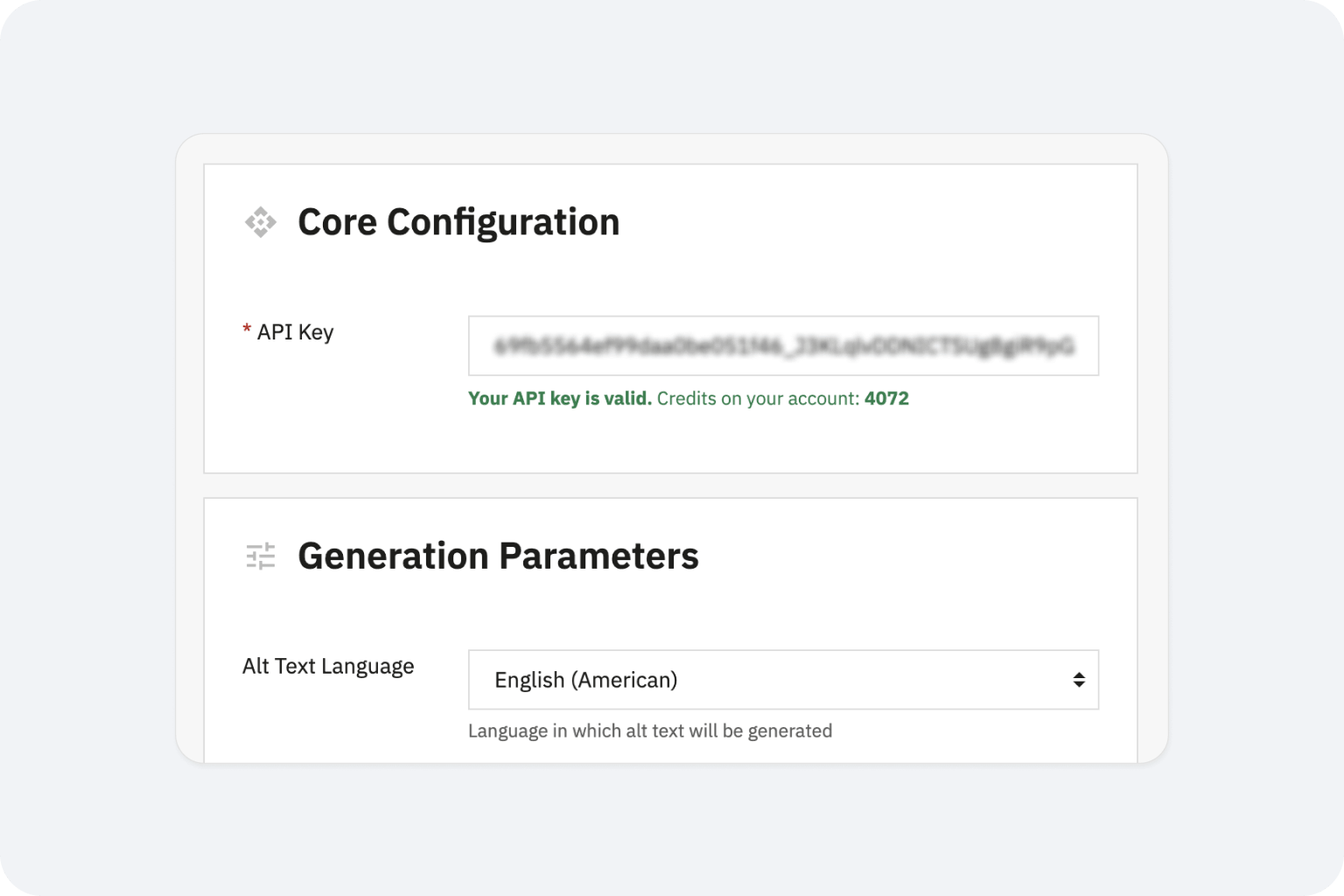
Install AltTextLab plugin from the PrestaShop Marketplace. Enter your API key in the module configuration. No code changes, no FTP access, no developer required.

Bulk-process your existing product catalog
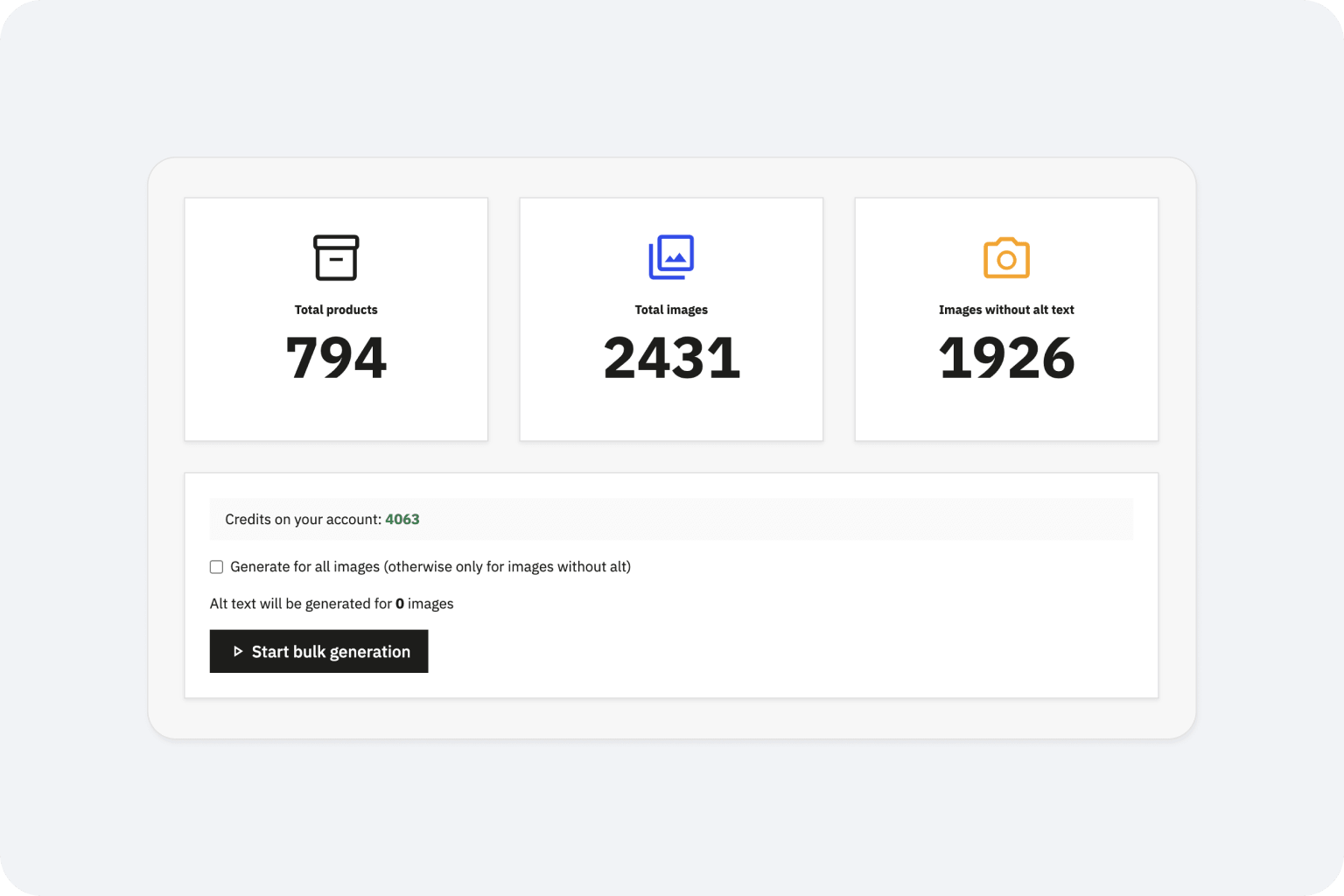
For images already in your store, run bulk generation across your full product catalog. Select the products or categories to process, click generate, and the module works through them in your browser — keep the tab open until it's done.
Every new product image gets alt text automatically
Turn on automatic generation in the module settings and every image added to a product gets a unique, AI-written description automatically. Or if you prefer, you can trigger it manually when you need to.
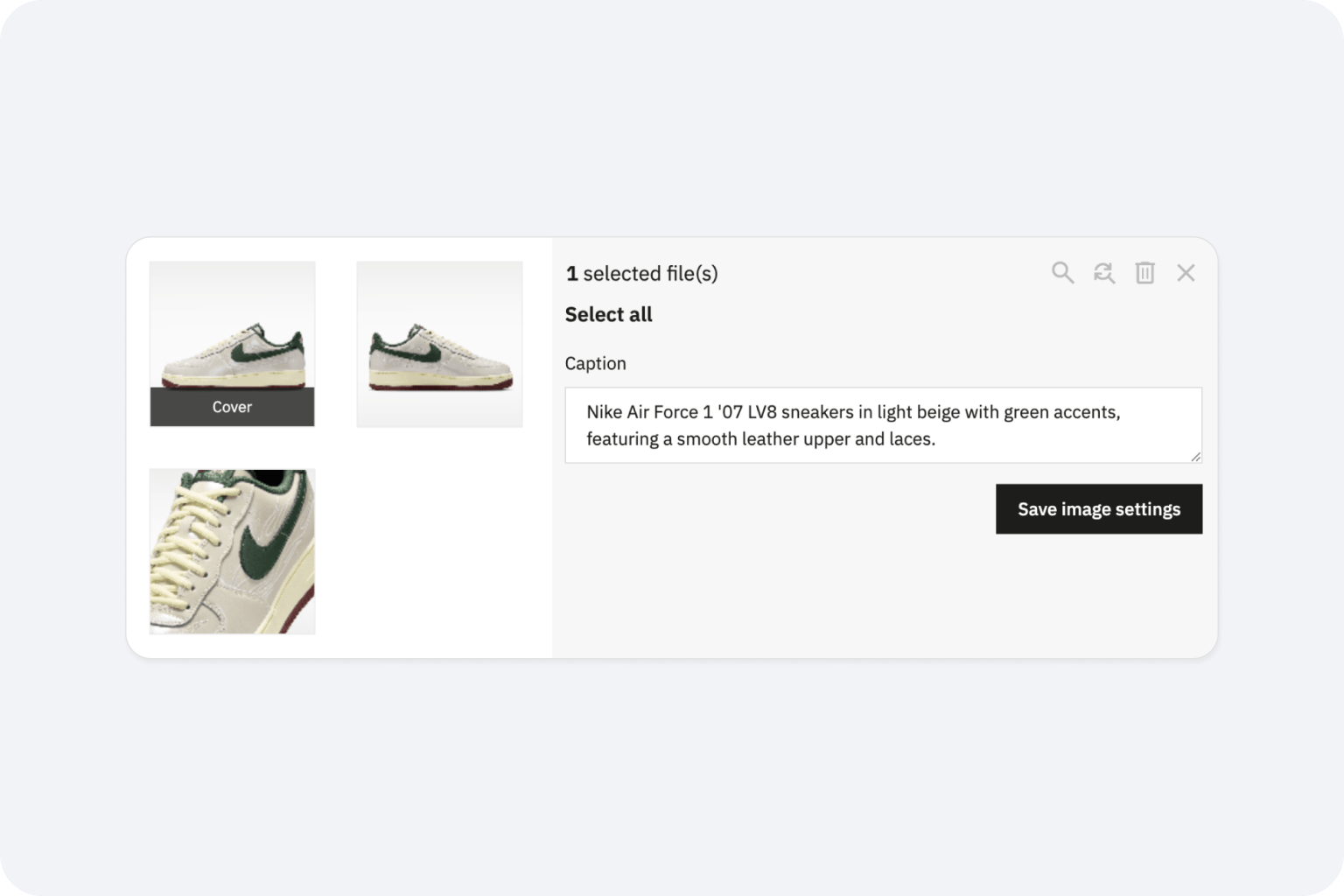
AI alt text that read like a real person wrote it

No OpenAI account needed

Product-aware descriptions using your catalog data

Zero performance impact

WCAG 2.1 AA and EAA compliant output

130+ languages supported

Privacy-first and GDPR-aligned
Teams that stopped writing alt text by hand








Will AltTextLab overwrite alt text I've already written for my products?

No. The module only processes images where the caption field is currently empty. Any product image where you've manually entered a caption (PrestaShop's native alt text field) is left exactly as it is. Regenerating descriptions across images that already have captions is an explicit opt-in option available in the bulk generation settings.
Does the AI incorporate product names, brand names and attributes into the generated alt text?
Yes. AltTextLab reads the product name, the brand name, and available product data when generating alt text for product images, so descriptions reflect what the product actually is, not just what's visually detectable in the image. For a product image of a navy wool coat, you get "UNIQLO Women's navy wool coat with double-breasted buttons" rather than a generic "a coat on a hanger." This produces meaningfully better alt text for both Google Image Search rankings and screen reader users.
Which versions of PrestaShop does the AltTextLab module support?
AltTextLab's module supports PrestaShop 8.x and later. If your store is still running on PrestaShop 1.7.x, upgrading to PrestaShop 8 is the recommended path before installing the module. If you're unsure about compatibility with your specific setup, contact us at contact@alttextlab.com before getting started.
Does AltTextLab support PrestaShop Multistore?
Yes. The module is compatible with PrestaShop's Multistore feature. Each store in your Multistore setup can be configured independently with its own language and keyword settings, while all drawing from your shared AltTextLab account credits. This makes it well suited for merchants running multiple storefronts (for example, separate stores per market or per brand) from a single PrestaShop installation.
Does the generated alt text meet WCAG and EAA compliance requirements?
Yes. All alt text generated by AltTextLab follows WCAG 2.1 Level AA guidelines — the accessibility standard referenced by both the ADA (US) and the European Accessibility Act (EAA). The EAA mandates WCAG 2.1 AA compliance for online stores serving EU customers, and missing image alt text is one of the most frequently cited failure points in e-commerce accessibility audits. AltTextLab generates descriptions that are concise, meaningful, and structured for screen reader compatibility, бcovering this requirement automatically across your entire product catalog.
Will the module automatically handle new product images added after setup?
Yes, if automatic generation is enabled. Once configured, any new image added to a product in your PrestaShop back office triggers alt text generation immediately on save with no manual action needed. This keeps your store continuously compliant as your catalog grows, without relying on periodic bulk jobs to catch new additions.
What happens to my alt text if I uninstall the module?
Nothing. Alt text that has already been generated and saved to your product images in PrestaShop's database stays in place permanently as ordinary caption field data. Uninstalling the module has no effect on existing content — your store continues to render saved alt text exactly as before. Only automatic generation on upload stops when the module is removed.
Bulk-generate alt text across your entire PrestaShop catalog


