


WordPress alt text plugin
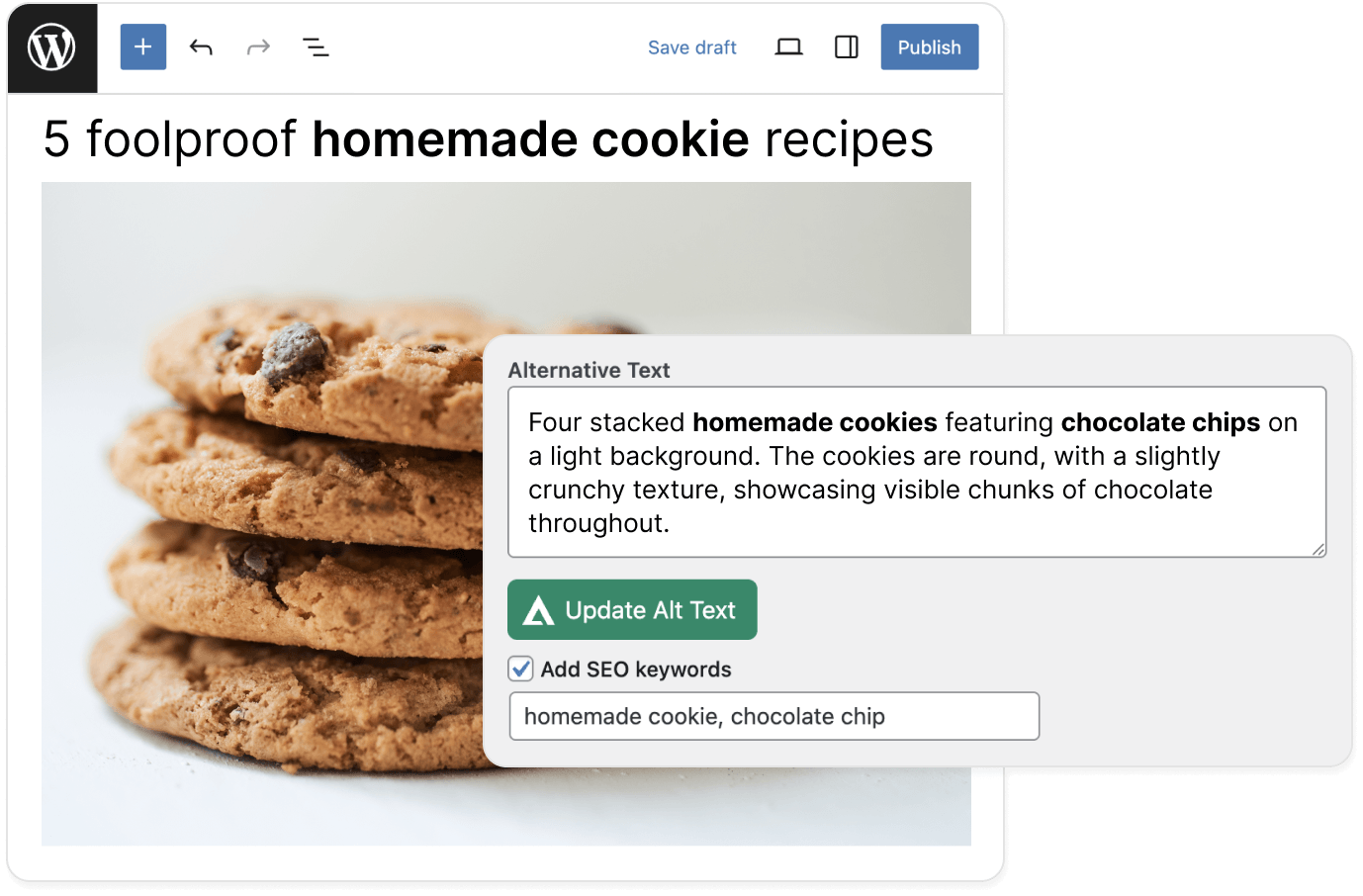
AltTextLab's WordPress plugin writes accurate, keyword-aware alt text for every image in your media library — automatically on every upload.
THE PROBLEM
Count what every untagged image costs your WordPress site
Accessibility: When a visually impaired visitor reaches an image with no alt text, their screen reader announces nothing — just a blank. For the hundreds of millions of people using assistive technology worldwide, your content is incomplete without it. It's also what WCAG 2.1 AA, the ADA, and the EAA require for any site with EU or US traffic.
Scale: WordPress's built-in alt text field works one image at a time, in the media library, manually. For a site with hundreds of posts and thousands of images, there's no native bulk option.
How to auto-generate alt text for WordPress images
Install the AltTextLab WordPress plugin
Add AltTextLab from the WordPress Plugin Directory. Activate the plugin and enter your API key in the settings. No code, no developer, no FTP access required.


Bulk-generate alt text across your media library
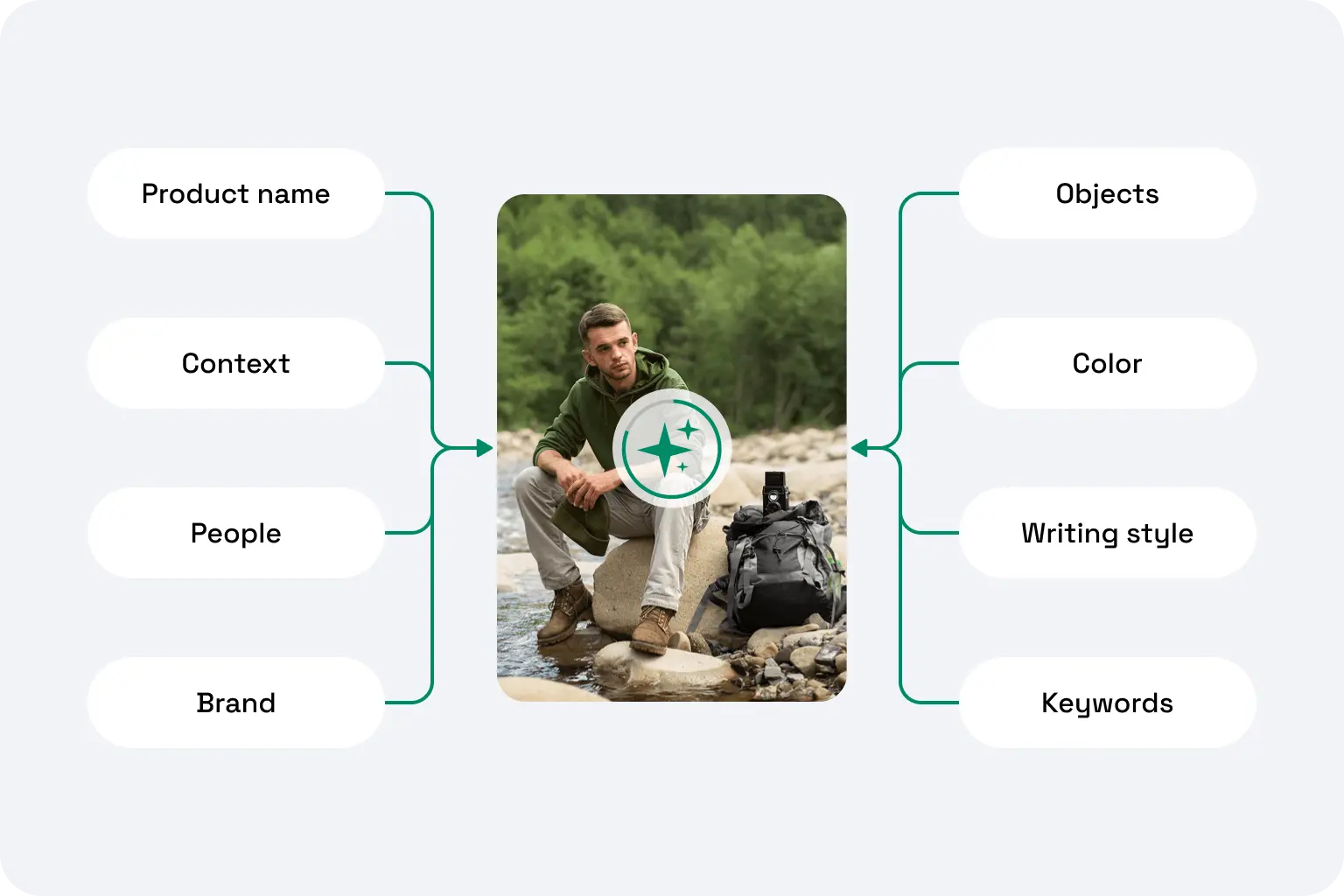
Select all images or filter by post or page type, and run bulk generation. AltTextLab reads each image alongside your post title and keywords, then writes a unique, accurate description for every single one.
Every new upload gets alt text automatically
Once the plugin is active and automatic generation is enabled, every image added to your media library gets alt text on upload. Alt text is written directly to the standard WordPress alt field, and it stays there permanently, even if you later uninstall the plugin.

WooCommerce product images described automatically

Built for WordPress SEO and accessibility

SEO keyword control

Bulk alt text with no image limit

130+ languages for multilingual sites

WCAG 2.1 AA compliant output

Privacy-first and GDPR-aligned

Zero performance impact
Teams that stopped writing alt text by hand








Will the plugin automatically add alt text to images I upload in the future?

Yes. Once automatic generation is enabled in the plugin settings, any image uploaded to your WordPress media library gets alt text applied immediately without manual trigger and extra steps. It works in the background whether you're uploading through the media library, the block editor, or WooCommerce product pages.
Can I generate alt text for all my existing images in bulk?
Yes. The plugin includes a dedicated Bulk Generate tool that scans your media library and processes all images with missing alt text in a single run. You can also use the bulk actions dropdown directly from the WordPress Media Library view to select and process specific images. For very large media libraries, images are processed consequently without affecting your site's performance or front-end load time.
Will AltTextLab overwrite alt text I've already written manually?
No, not by default. The plugin only processes images that currently have an empty or missing alt attribute. Any image where you've written alt text manually is left untouched. If you want to regenerate alt text across images that already have descriptions (for example, as part of a full library refresh), that's available as an explicit opt-in setting.
Can I include specific SEO keywords in the generated image alt text?
Yes. AltTextLab lets you define keywords to include in generated descriptions and keywords to explicitly exclude. The plugin also supports pulling focus keyphrases automatically from Yoast SEO, Rank Math, AIOSEO, and other popular SEO plugins, if they're active on your site.
Does AltTextLab work with Yoast SEO, Rank Math, and other SEO plugins?
Yes. AltTextLab writes alt text directly to the image's alt attribute in the WordPress media library. SEO plugins like Yoast SEO, Rank Math, SEOPress, AIO SEO, SquirrlySEO, The SEO Framework, and SmartCrawl manage their own separate fields and don't interact with image alt attributes in a way that causes conflicts. The two work in parallel, and in fact, AltTextLab can read the focus keyphrase set in your SEO plugin and weave it naturally into the generated alt text, so they actively complement each other.
Does it work with Gutenberg, Elementor, Divi, and other page builders?
Yes. Because AltTextLab writes alternative text directly to WordPress's media library database — the same place manually entered alt text lives — it works with every page builder and theme automatically. Elementor, Divi, Beaver Builder, Gutenberg, and any custom theme all read from the same field.
What happens to alt text if I uninstall the plugin?
Nothing. Alt text that has already been generated and saved to your library stays in place permanently. It's written directly into WordPress, so uninstalling the plugin has no effect on existing descriptions. Only future automatic generation stops when the plugin is removed.
Can I use the plugin across multiple WordPress sites with one account?
Yes. One AltTextLab account covers any number of WordPress installations with no per-site fees. Your credits are pooled across all your sites, and each installation connects via its own API key linked to the same account. This makes it a practical choice for freelancers, developers, or agencies managing multiple client sites.
Install the plugin and cover your entire media library today


