


One GTM tag.
Zero developers.
Add the AltTextLab Community Template to your GTM workspace — and every image on your site gets accurate, SEO-optimized alt text automatically.
Used by teams at





Alt text at scale without touching a single line of code

30-second setup

SEO and AEO impact

WCAG 2.1 compliant

130+ languages
How GTM integration works
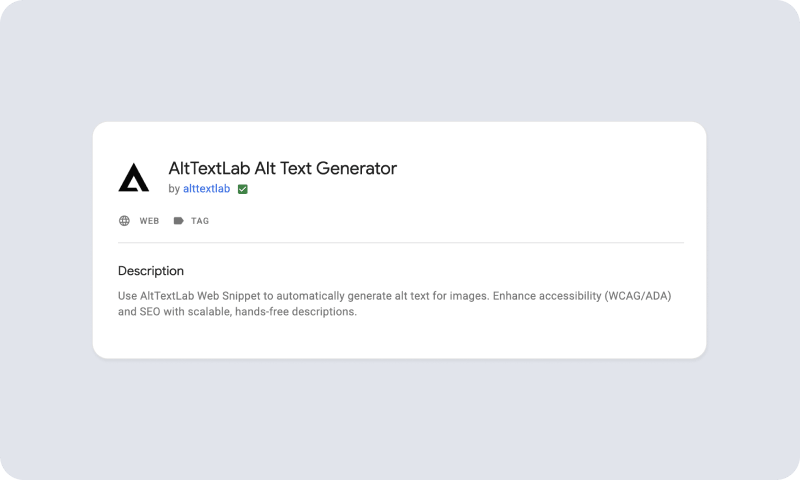
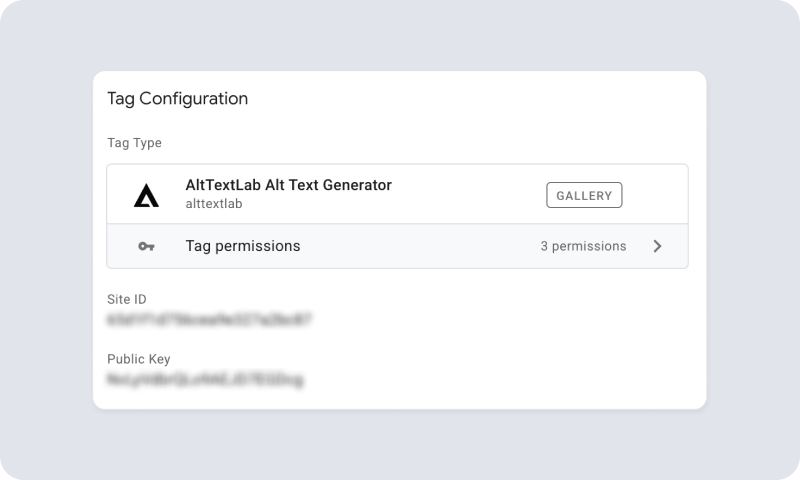
2. Create a new tag and enter your API key
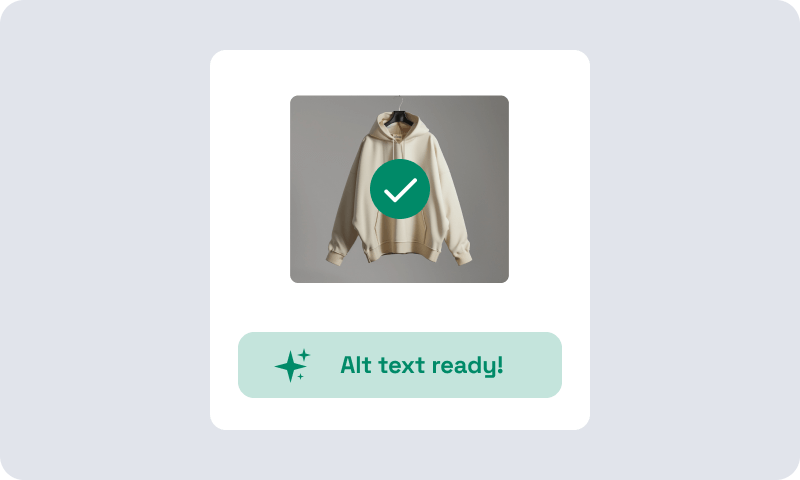
3. Submit and publish your container
Works with every platform that supports Google Tag Manager
Teams that stopped writing alt text manually






Will it slow down my website or affect Core Web Vitals?

No. The AltTextLab Web Snippet loads asynchronously. It runs after your page content has rendered and doesn't block any page resources. Alt text is fetched in the background and cached in the browser, so returning visitors don't trigger new API calls. The script is lightweight and has no measurable impact on page load time or Core Web Vitals scores. This is consistent with how GTM itself works — tags deployed through GTM load asynchronously by design.
Will the AltTextLab tag conflict with other tags in my GTM container?
No. AltTextLab's Web Snippet operates independently of analytics tags, marketing pixels, and other GTM tags. It doesn't interact with the dataLayer, doesn't modify tracking events, and doesn't interfere with GA4, Google Ads, Meta Pixel, or any other tags you have running. It only reads image elements on the page and writes to their alt attributes — a completely separate operation from anything else in your container.
Does the GTM integration replace my existing alt text?
No. The Web Snippet only generates alt text for images where the alt attribute is currently empty or missing. Any image with alt text already in place — whether written manually, provided by your CMS, or set by another tool — is left exactly as it is. This applies regardless of how the snippet is deployed, including via GTM.
Does the GTM integration work with consent management platforms (CMPs) and GDPR requirements?
The AltTextLab Web Snippet does not set cookies, collect personal data, or track user behaviour. It only reads images on the page and writes alt text to them. It does not fall under the same consent requirements as analytics or advertising tags. You don't need to gate it behind a consent banner, and it can fire on all pages regardless of a visitor's consent status. That said, if your consent management setup requires all GTM tags to be explicitly permitted, you can add AltTextLab to your CMP's always-allowed list without any privacy implications.
Can I limit the GTM integration to specific pages, for example, only product pages or blog posts?
Yes. GTM's trigger conditions give you full control over where the tag fires. You can target specific URL paths, page types, or custom variables — for example, firing only on URLs containing /products/ or /blog/. This is useful for phased rollouts, for sites where you want to prioritise certain content types, or for managing credit usage by focusing generation on high-value pages first.
Does using GTM instead of a direct Web Snippet change how the integration behaves?
No, the underlying technology is identical. GTM is simply the delivery mechanism for the Web Snippet. The same AI, the same context-reading, the same keyword injection, and the same language settings apply regardless of whether the snippet is deployed directly in your site's <head> or through a GTM Custom HTML tag. The only functional difference is that GTM gives you a no-code way to manage deployment, triggering, and updates without editing your site's source code.
Deploy AltTextLab through GTM in under a minute


