

Install from the Webflow Marketplace
1
Open the app page
2
Install and authorize
Click Install and authorize the app for your workspace or site.
3
Open the app in the Designer
Open your site in the Designer and go to Apps → AltTextLab.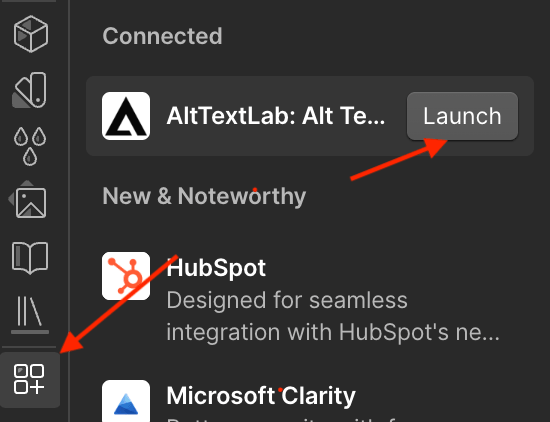
4
Add your API key
On the Connect your account screen, create a free AltTextLab account if you don’t have one, copy your API key, paste it into the API key field, and click Connect account.You can find your API key in the AltTextLab dashboard. See API key for instructions on creating and managing keys.
5
Configure language and style
Before generating alt text, choose your language and writing style in Settings.
The app stores your API key in your browser, not in Webflow or on AltTextLab servers. If you use another browser, profile, or computer, connect again. To disconnect, go to Settings and remove the key.
AltTextLab downloads each image by its URL, so the image must be publicly accessible. Webflow asset URLs are public by default.